Something fundamental is changing in how developers interact with data platforms. Not a feature update, not a UI refresh, but a shift in the interface itself.
For the past decade, the default way to work with a data platform has been to open a portal, navigate through menus, or write code against REST APIs. Each new tool was a new integration, which meant a new authentication flow, a new set of API wrappers, and hours of plumbing before you could even start building.
The Model Context Protocol (MCP) is an open standard created by Anthropic and now adopted across the industry by GitHub, Cloudflare, Stripe, and others, gives AI agents a universal way to discover, understand, and operate external systems through one protocol. No need for custom integrations or separate authentication stacks for each agent—just one unified standard.
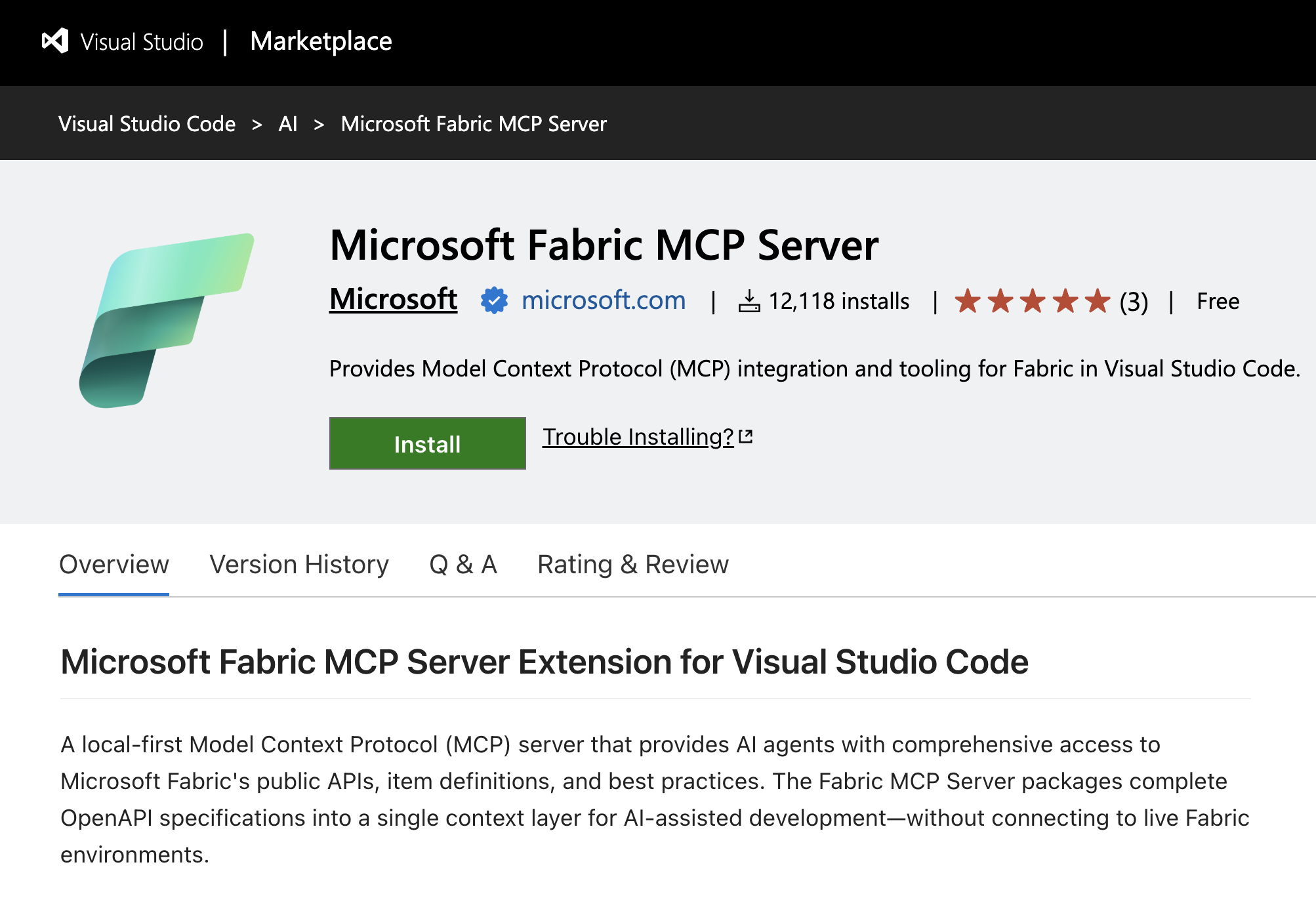 Figure: The Microsoft MCP Server extension in VS Code is now available and ready to install.
We’re advancing this standard to Microsoft Fabric with two major milestones:
- Fabric Local MCP (Generally Available) an open-source server that gives AI assistants deep knowledge of Fabric’s APIs, enables local-to-cloud data. operations, and can serve as an execution layer through the Fabric CLI.
- Fabric Remote MCP (Preview) a cloud-hosted server that lets AI agents perform real, authenticated operations in your Fabric environment—no local setup required.
These aren’t two sides of the same coin. They’re two entry points into the same platform, designed for different contexts, different users, and different levels of autonomy. A developer pair-programming with GitHub Copilot uses the Local MCP to write grounded code and move data between their machine and OneLake. An autonomous agent in Copilot Studio uses the Remote MCP to manage workspaces and permissions on behalf of a team. A CI/CD pipeline uses the Fabric CLI, which the Local MCP can wrap as tools, to deploy changes without any human in the loop.
The common thread: your AI tools now understand Fabric natively. They can write code against the correct APIs, operate on real infrastructure, and do it all within the security model, audit trail, and RBAC boundaries you already trust.
Why choose MCP now?
MCP is to AI what USB was to hardware: a universal connector that replaces a tangle of proprietary cables with a single standard. Rather than creating unique integrations for each AI tool, you can simply expose your platform as an MCP server. Any MCP-compatible client—such as GitHub Copilot, Claude, or Cursor—can then connect instantly.
The timing matters, enterprises are racing to adopt AI agents, but integration complexity remains a top barrier. Building an agent that can simply “create a workspace” requires a full OAuth2 stack, token management, rate-limiting logic, and API versioning. MCP eliminates this plumbing entirely.
The ecosystem is converging on a single protocol, and Fabric is now part of it.
Summary
Fabric local MCP (Generally Available)
In October, we introduced the Fabric Local MCP Server (Preview), the response was remarkable. The announcement became one of our most-read posts, approaching 100K views. Developers made clear they want their AI assistants to understand Fabric deeply and natively.
The Fabric Local MCP runs on your machine and serves two purposes: it helps you build on top of Fabric and enables local-to-cloud data operations.
API documentation and best practices
These tools give your AI agent access to Fabric’s entire API surface without connecting to your environment:
The result: grounded code generation. When your AI assistant writes code to create a workspace or query a lakehouse table, it reads from the actual API spec, not a stale training snapshot.
OneLake: Managing data from local to cloud
These tools connect directly to OneLake and let agents work with your data:
Plus, additional tools for DFS-level item listing, table namespace discovery, and table configuration.
Core: Fabric item operations
This means an agent can look up the correct API spec, generate the code, upload data to OneLake, create items, and inspect table schemas within a single conversation. The local MCP server becomes a bridge between your development and Fabric environment.
What’s new
- Integrated authentication allows for seamless sign-in flow—no manual token management.
- Error handling and auto-retry agents recover gracefully from transient failures.
- Production support is backed by Microsoft’s standard support policies.
- Telemetry and diagnostics offer visibility into tool usage and performance.
Get started
Recommended method — VS Code extension:
Install the Fabric MCP extension from the VS Code marketplace. It configures everything automatically.
Any MCP client — manual configuration:
Works in VS Code with GitHub Copilot, Cursor, Claude Desktop, and any MCP-compatible client.
Refer to Fabric Local MCP on GitHub to learn more.
Fabric Remote MCP (Preview)
The Fabric Remote MCP is a cloud-hosted MCP server that enables AI agents perform real operations in your Fabric environment. No local installation is required; simply point your AI client to the endpoint, sign in, and start working.
Fabric Remote MCP Server URL: https://api.fabric.microsoft.com/v1/mcp/core
How it works
Your AI Assistant + MCP Protocol (Streamable HTTP) + Fabric Remote MCP + Fabric REST APIs: Entra ID Auth + RBAC and Fabric Audit Logs
Every request flow through Entra ID authentication and the agent operates with your identity, and it can never exceed your permissions. Every action is recorded in Fabric Audit Logs, giving admins full visibility.
Agent capabilities
Pro tip: Compose multiple MCP servers.
The power of MCP is composability, add multiple servers to your agent for richer capabilities:
- Fabric MCP + Microsoft MCP Server for Enterprise — Identity resolution (“add [email protected] as a contributor”)
- Fabric MCP + GitHub MCP — Git-to-Fabric automation workflows
- Fabric MCP in Copilot Studio — Operate Fabric from Microsoft Teams
Quick setup: no installation
- In VS Code: Cmd+Shift+P → “MCP: Add Server” → choose HTTP
- Enter the URL: https://api.fabric.microsoft.com/v1/mcp/core
- Sign in via browser (your Microsoft account)
- Ask your AI assistant: “List all my Fabric workspaces”
What’s possible
The real value isn’t in any single tool. It’s meeting developers and agents where they already work and letting them interact with Fabric in the way that fits their context.
For the developer: Build this correctly
“I need a Python script that reads from my lakehouse, transforms the data, and loads it into a warehouse. Show me the right APIs.”
The agent queries the Local MCP for the correct OpenAPI specs, checks best practices for pagination and error handling, and generates code that’s grounded in the actual API. If you need to upload test data, the agent uses OneLake tools to push files directly from your machine.
For the team lead: Set up my project
“Create a new workspace called ‘Q2-Analytics’, add a lakehouse, upload these CSV files, and give read access to the analytics team.”
The agent uses Remote MCP to create the workspace, create the lakehouse, upload files to OneLake, and add workspace roles. All through natural language, all within your permissions, and all audited.
For the platform engineer: Automate this workflow
“Wrap the Fabric CLI as MCP tools in the Local MCP. Your agents can write CLI scripts, backup routines, or migration workflows, with human oversight or fully autonomous, depending on your trust level.”
# Agent generates; you review and run:
fab create Q2-Analytics.Workspace -P capacityname=$CAPACITY
fab create Q2-Analytics.Workspace/raw-data.Lakehouse
fab deploy –config deployment-config.yaml
For the organization: Operate Fabric from Teams
“@FabricBot create a new workspace for the Q3 marketing campaign and add the marketing team as contributors.”
Build a custom agent in Copilot Studio, connect it to the Fabric Remote MCP, and deploy it to Microsoft Teams.
This pattern extends to any channel: Slack, custom web apps, and internal portals. The Remote MCP becomes your organization’s natural-language interface for Fabric operations.
Security by design
Giving AI agents the ability to operate in production environments requires a security first approach. Here’s our approach:
- RBAC enforcement: Agents operate with the signed-in user’s permissions. No elevation, no bypass.
- Full audit trail: Every MCP operation is recorded in Fabric Audit Logs, the same infrastructure that tracks portal and API actions.
- Consequential action controls: Destructive operations are flagged with is_consequential, and agents confirm before proceeding.
- No bulk data exfiltration: Remote MCP returns metadata and schema information. Bulk data flows through OneLake with its own security boundaries.
- Admin controls: Fabric administrators manage MCP access through existing tenant settings.
Future directions and objectives
Here are our plans for release and upcoming progress:
Features we’re exploring
- Service Principal authentication for automated and headless workflows.
- Deployment pipelines and Git integration via MCP.
- Job scheduling and monitoring.
- Domain and folder management.
- OneLake shortcuts and data access security.
- Dry run/simulation mode for safe experimentation.
- Multi-workspace operations.
Questions under consideration
- What does a fully agentic data platform look like? One where MCP isn’t just a feature, but the primary interface for automation, governance, and operations.
- How should agents compose across services like Fabric + Graph + GitHub + custom services, and what patterns emerge?
- What safety controls are required before we can trust agents with production-level operations?
The agentic era is still early, and we’re building in the open and learning as we go. If you try the preview and find gaps — or discover scenarios we haven’t thought of — let us know!
Get started
Local MCP (Generally Available) – Get started with Fabric Pro-Dev MCP Server
Remote MCP (Preview) – Get started with Fabric Core MCP Server
The era of agentic data platforms is here. Whether you’re a developer writing code with an AI assistant, a platform engineer automating deployments, or a team building agents that operate Fabric from Microsoft Teams, MCP is the open standard that connects it all. And Fabric is now part of that ecosystem.
Now your AI tools speak Fabric fluently.
- Fabric Local MCP on GitHub
- MCP Protocol Specification
- Anthropic: Code Execution with MCP
- Cloudflare: Code Mode MCP
- Introduction blog post: Introducing Fabric MCP
Related blog posts
Agentic Fabric: How MCP is turning your data platform into an AI-native operating system
Evolving Agentic Applications on Microsoft Fabric: From Automated Deployment to Integrating Data Agents
In our previous post, Operationalizing Agentic Applications with Microsoft Fabric, we focused on a core challenge teams encounter once an agentic application moves beyond a proof of concept: operational reality. Specifically, how do you observe, govern, evaluate, and analyze what agents are doing once they interact with real users, data, and business processes at scale? … Continue reading “Evolving Agentic Applications on Microsoft Fabric: From Automated Deployment to Integrating Data Agents”
Answers to common questions about Fabric Data Factory
As the Data Integration Customer Advisory Team (CAT) lead, I spent a lot of time talking to customers at the recent FabCon/SQLCon about Fabric Data Factory, and I came away with a clear picture of what’s on customers’ minds when it comes to the future of data integration. Many of the same questions came up … Continue reading “Answers to common questions about Fabric Data Factory”
Microsoft Fabric
Accelerate your data potential with a unified analytics solution that connects it all. Microsoft Fabric enables you to manage your data in one place with a suite of analytics experiences that seamlessly work together, all hosted on a lake-centric SaaS solution for simplicity and to maintain a single source of truth.
Get the latest news from Microsoft Fabric Blog
This will prompt you to login with your Microsoft account to subscribe
Visit our product blogs
View articles by category
- Activator
- AI
- Announcements
- Apache Iceberg
- Apache Spark
- Community
- Community Challenge
- Data Engineering
- Data Factory
- Data Lake
- Data loss prevention
- Data Science
- Data Warehouse
- Databases
- Developer
- Fabric IQ
- Fabric ML
- Fabric platform
- Fabric Public APIs
- Fabric Workload
- Information protection
- Lakehouse
- Machine Learning
- Microsoft Fabric
- Monthly Update
- OneLake
- Power BI
- Power BI reports
- Real-Time Intelligence
- Roadmap
- Security and Compliance
- semantic model
- Uncategorized
View articles by date
- April 2026
- March 2026
- February 2026
- January 2026
- December 2025
- November 2025
- October 2025
- September 2025
- August 2025
- July 2025
- June 2025
- May 2025
- April 2025
- March 2025
- February 2025
- January 2025
- December 2024
- November 2024
- October 2024
- September 2024
- August 2024
- July 2024
- June 2024
- May 2024
- April 2024
- March 2024
- February 2024
- January 2024
- December 2023
- November 2023
- October 2023
- September 2023
- August 2023
- July 2023
- June 2023
- May 2023
- April 2023
- March 2023
- February 2023
- January 2023
- December 2022
- November 2022
- October 2022
- September 2022
- August 2022
- July 2022
- June 2022
- May 2022
- April 2022
What's new
- Microsoft 365
- Games
- Surface Pro 9
- Surface Laptop 5
- Surface Laptop Studio
- Surface Laptop Go 2
- Windows 11 apps
Microsoft Store
Education
- Microsoft in education
- Devices for education
- Microsoft Teams for Education
- Microsoft 365 Education
- Office Education
- Educator training and development
- Deals for students and parents
- Azure for students
Business
- Microsoft Cloud
- Microsoft Security
- Azure
- Dynamics 365
- Microsoft 365
- Microsoft Advertising
- Microsoft Industry
- Microsoft Teams
Developer & IT
- Developer Centre
- Documentation
- Microsoft Learn
- Microsoft Tech Community
- Azure Marketplace
- AppSource
- Microsoft Power Platform
- Visual Studio
Company
- © 2026 Microsoft